
MultiPrompt - Compare Multiple AI Models Side by Side
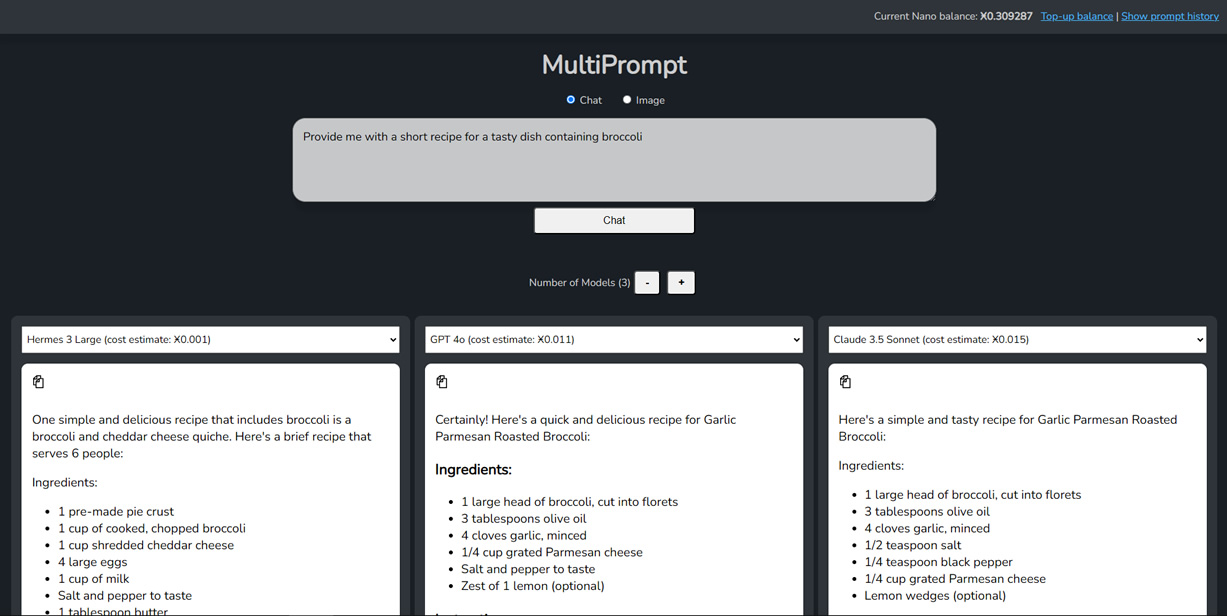
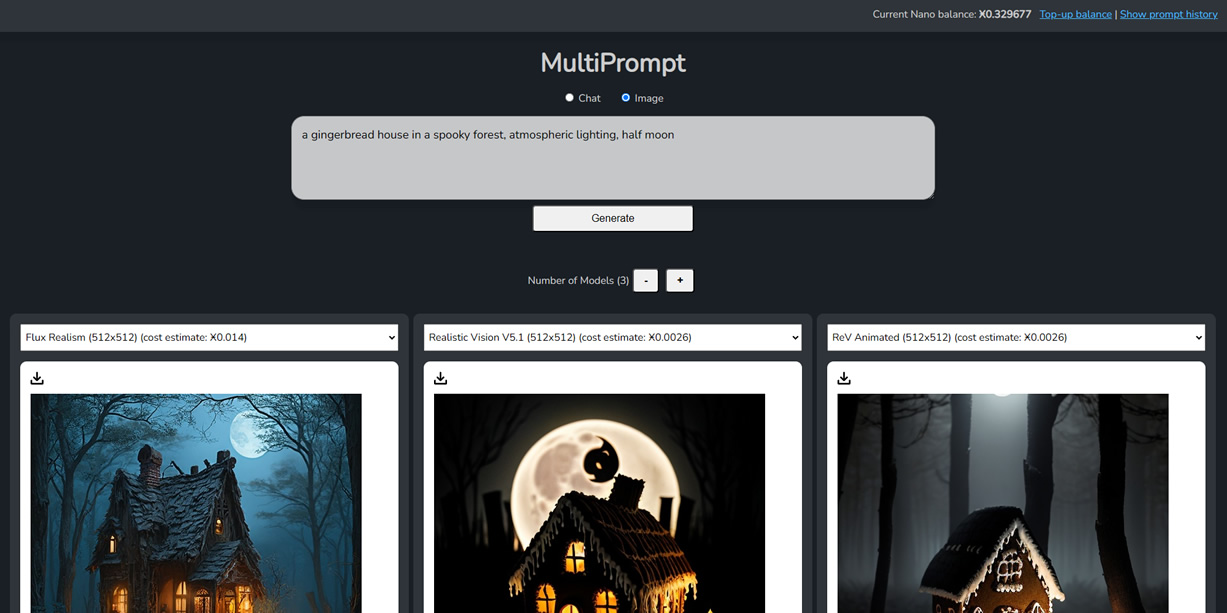
MultiPrompt is a powerful tool that allows you to send prompts to multiple AI models simultaneously, making it easy to compare responses and outputs side by side. Whether you're working with text models like ChatGPT and Claude, or image models like Flux and Stable Diffusion, MultiPrompt streamlines your workflow through Bitcoin.com AI's API.
Key Features
- Chat with popular text models (ChatGPT, Claude, and more)
- Generate images using popular image models (Flux, Stable Diffusion, and more)
- Query up to 10 models simultaneously
- Save your 100 most recent prompts in history
- One-click save for generated images with prompt-based filenames
- One-click copy for chat responses
- Automatic Bitcoin.com AI balance display and updates
How to Use MultiPrompt
- Get your API key from Bitcoin.com AI
- Enter your API key in MultiPrompt
- Top up your Bitcoin.com AI wallet using any available payment option
- Start sending prompts to multiple models at once!
Privacy First
MultiPrompt is designed with privacy in mind:
- Runs entirely in your web browser
- Prompts and responses are only seen by your browser and the Bitcoin.com AI service
- All prompt data is saved locally in your browser's storage
- No external servers involved beyond Bitcoin.com AI's API
See It in Action
Here are some examples of MultiPrompt's capabilities:
Try It Yourself
Ready to compare AI models side by side? Visit MultiPrompt to get started. You'll need a Bitcoin.com AI API key, which you can get from your API page.
Whether you're a developer testing different models, a content creator looking for the best outputs, or just curious about how different AI models compare, MultiPrompt makes it easy to explore and compare multiple AI models simultaneously.